
Video tips
76 articles across 17 categories
 Support and knowledge base
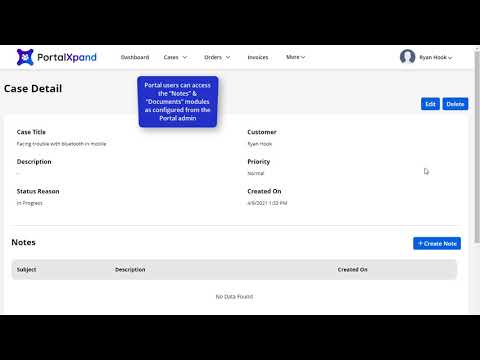
360-Degree Case Management Overview
Our CRMJetty Portal Dynamics portal allows you and your portal users to create and manage cases in the easiest way possible. Users can edit their existing cases, view the case status, and…
 Support and knowledge base
How to Enable Case Deflection
Case deflection feature eliminates the need to solve repetitive questions. It lessens the burden on your support team and helps your portal users to search for a query before adding a new case.…
 Support and knowledge base
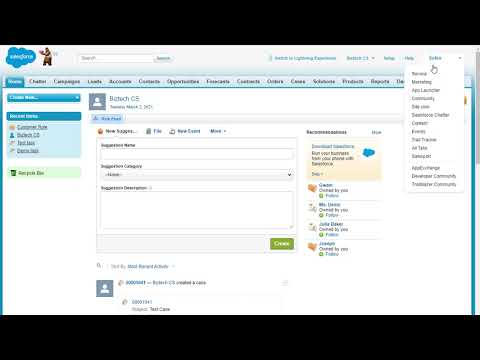
How to Add a New Solution
Go to solutions, create new, and it's done. The easiest way to help customers is providing them with a solution to their query in a way that others can refer to. Hence, we help you add…
 Support and knowledge base
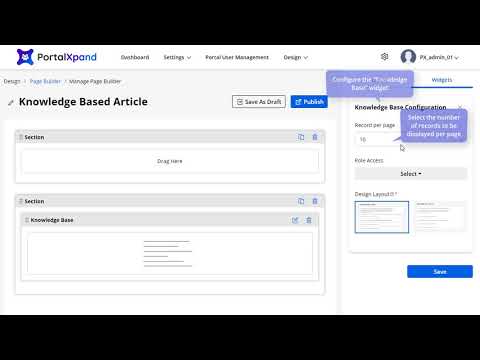
How to Set Up a Knowledge Base for the Portal
Some businesses like listing the articles in a grid view, others prefer a list view. You may have your own design choice for portal knowledge base. Hence, CRMJetty Portal provides you with…
 Support and knowledge base
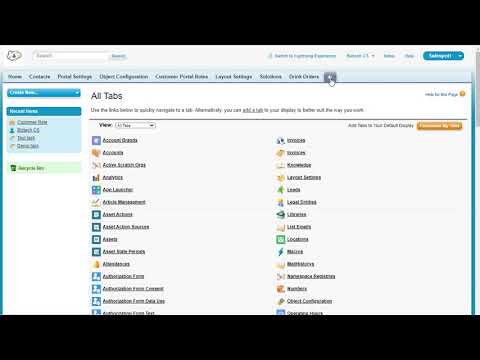
How to Add a New Knowledge Base Article
Do you want to help your customers help themselves? Provide them with a knowledge base like articles, FAQs, how-to guides, which they can refer to to get the answers. To learn how to add a new…
 Forms
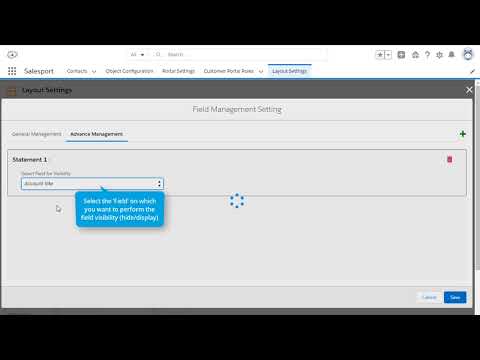
Advanced Field Settings for the Portal
Our Salesforce customer portal not only allows you to change layout but also manage fields. You can make the fields visible or hide it for different conditions. For example, hide the Account…
 Forms
How to Enable Notes Access for the Portal
Notes widget will let you offer chat view support to your customers. With this, your portal users can initiate a chat with you in case of support. Here is how you can enable chat support in…
 Forms
How to Configure a Multi-Step Form
You can display the Form content of any Entity step by step in the customer portal. You will get the "Enable Multi-Step From" option in the Form configuration. The portal users will get the…
 Forms
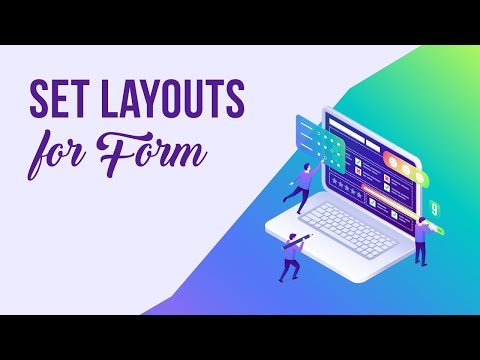
Form Layout Types You Can Set
You can design the portal layouts for the different entities to display into the customer portal. You can design & configure the layouts for Pages, Templates, Forms, Lists, and Menus. In this…
 Forms
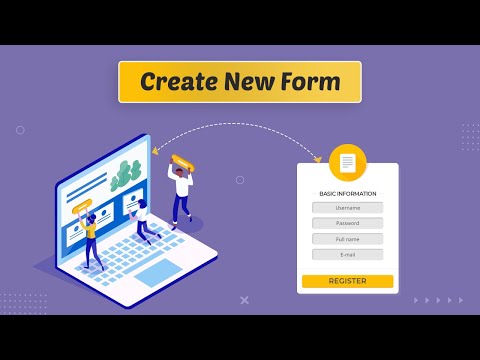
How to Create a New Form Using the Form Builder
You can create a Form for any other entity. By clicking on the + Create button, a popup will appear where you need to insert the ‘Title' of the Form. Click on the Next button to design the…
 Forms
How to Duplicate an Existing Form
You will get all the created ‘Form' records on the Form page. Among those, you can easily duplicate the existing list as per the requirement. Watch out for the video to know more.
 Forms
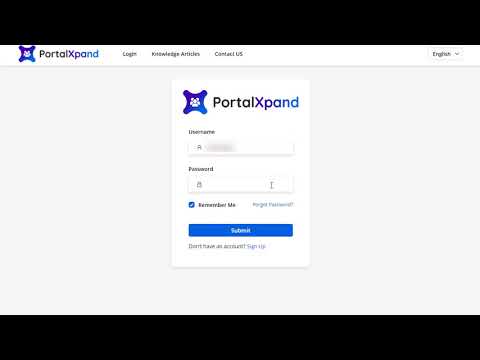
How to Decide Which Values Show on the Portal End
Sometimes you may have multiple values for a field but would like to show only a few. For example, a Case field may have values like case number, status, priority, case details, case owner, and…
 Forms
How to Manage Multi-Select Picklist Settings in the Portal
Multi-select options become important when you need precise information or want to provide users with multiple choices. Keeping this in mind, CRMJetty Portal provides a multi select picklist…
 Forms
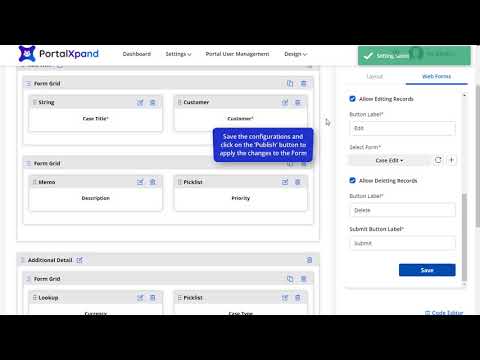
How to Add a Sub-Grid to an Entity Form
CRMJetty Portal allows you to add sub-grids to the forms by dragging and dropping the pre-defined sub-grid layout to the body. Watch this video to learn how to add sub-grids to the forms.
 Forms
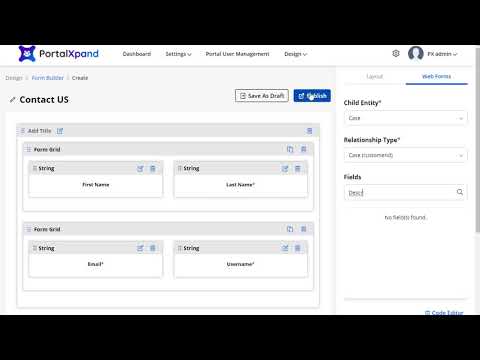
How to Set Up Parent-Child Form Interlinking
You can easily interlinks the forms with CRMJetty Portal. For example, if a user clicks on the Contact Us page, they should be redirected to the contact us detail form. Watch this video to…
 Forms
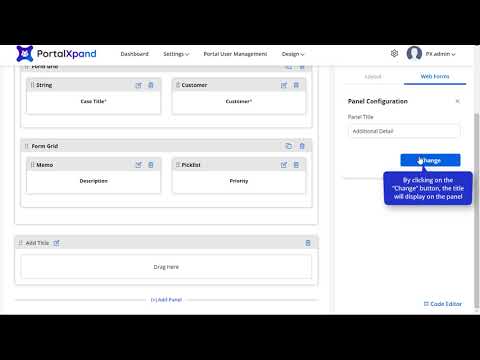
How to Add a New Panel to a Form
With our CRMJetty Portal Dynamics 365 portal, you can add panels to your existing pages or forms. For example, an Additional Details section on a Case Page. Watch this video to learn how to do…
 Documents and e-signatures
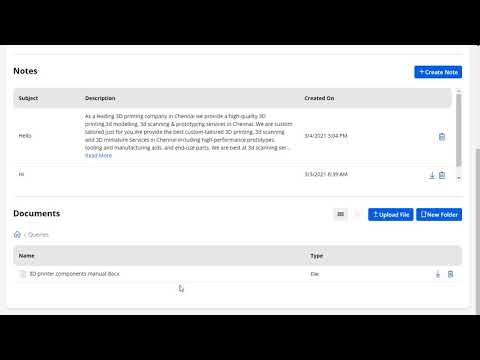
Document Management Using SharePoint
Do you know how to manage documents using SharePoint with Dynamics 365 portal? The process can be tricky and time consuming, if you don't know where the documents are. Hence, watch this video…
 Documents and e-signatures
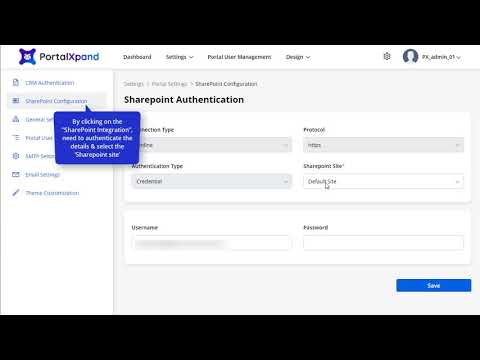
How to Configure SharePoint with the Portal
For document management, Dynamics 365 allows SharePoint integration. Here's how you can configure SharePoint with CRMJetty Portal Dynamics 365 portal.
 Introduction
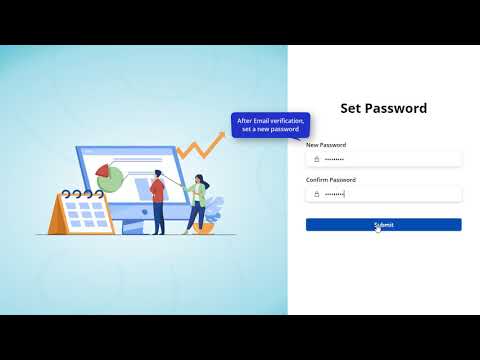
Getting Started with CRMJetty Portal (Video)
Our CRMJetty Portal portal provides you with a secure log-in option to view and manage all your customer-related details in one place. You can view all the details such as active users, total…
 Introduction
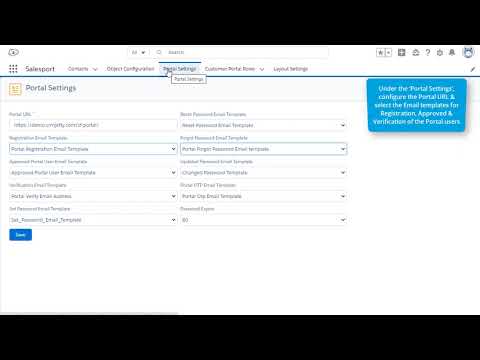
Getting Started with the Salesforce Customer Portal
With the Salesforce customer portal, you can manage your business operations in a simplified way. From managing contacts to roles and settings, you can do it all. Not only you, but your…
 Roles and permissions
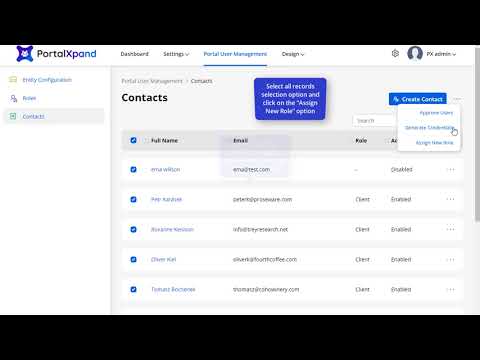
How to Assign a New Role to Bulk Contacts
It's tedious to change the existing roles of each user individually. Hence, CRMJetty Portal allows you to assign new roles to bulk contacts in one go. This video explains it all.
 Roles and permissions
How to Define Portal User Roles (Salesforce)
A common way to segregate users based on their responsibilities and capabilities is to assign roles. Assigning roles and permissions makes your website more secure. Check out how to create…
 Roles and permissions
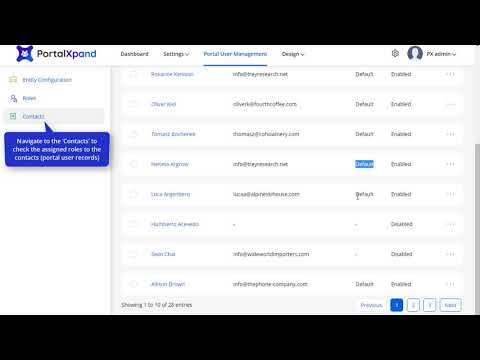
How to Replace an Existing Role with a New One
What would you do if your regular customer becomes a premium member? Along with titles, you will have to change their existing roles in the portal. Here's how you can change the existing roles…
 Branding and navigation
How to Change a Portal Block Display Style and Colors in the Page Builder
Our Salesforce portal not only allows you to customize the layout by dragging and dropping the components, but also lets you change the style and color of it. From a specific field to the…
 Branding and navigation
How to Customize the Portal Admin Theme
With CRMJetty Portal, admin can change the theme of their portal to engage more customers, display business goals more precisely, and make the portal look attractive.
 Branding and navigation
How to Customize the theme.css File
Along with the pre-defined customization options like colors, fonts, and styles, CRMJetty Portal allows CSS customization by adding CSS code. Check out this video to learn how to customize CSS…
 Email and notifications
How to Configure SMTP Settings
SMTP needs basic information and it does a lot of work for you. You can configure SMTP settings for the portal seamlessly with the steps shown in this video.
 Email and notifications
How to Manage Email Templates
When it comes to emails, our Dynamics portal lets you pre-design email templates for specific purposes. A template when a new user registers, a separate email template for forgotten password.…
 Widgets
How to Configure the Button Widget in a Page
Button widget lets you place the button in that page. You can also keep the custom labels and redirections as per the requirements. Here is how you can do it.
 Widgets
How to Configure the Banner Widget in a Page
Admin users can create the page banner as per their organization's theme to display on the customer portal using the Banner widget. Here is how you can configure the banner widget in the page
 Widgets
How to Manage JavaScript Changes at the Form, List and Page Level
Go to the design module, form builder, select the form, and add the code in the code editor. Adding JavaScript code to the form in the CRMJetty Portal is that easy. Watch this video to get a…
 Admin and dashboards
How to Create a Role for a Sub-Admin User
You can create a role for sub admin user and give them limited access to the data to secure the information. Watch the video to know how you can do this.
 Admin and dashboards
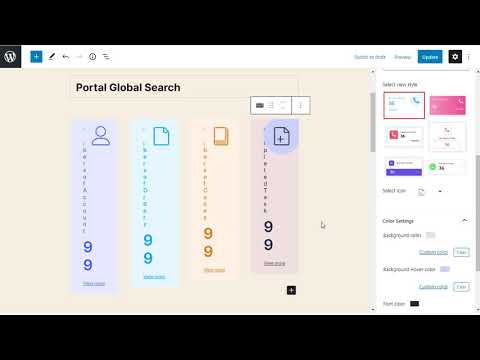
How to Set Up the Portal Dashboard (Salesforce)
Dashboard simplifies the data and helps you see what is right and what needs improvement instantly from one screen. To ensure that you get full control over the data, CRMJetty Portal provides…
 Admin and dashboards
How to Create and Manage a Sub-Admin User
You can give limited rights to desired people with CRMJetty Portal. This will ensure security to the data. Watch to know more details.
 Admin and dashboards
How to Create Multiple Portal Sites
There are numerous sites that you might be having portal for and all of these can belong to different industries. So, CRMJetty Portal has found a middle ground for you. You can create multiple…
 Admin and dashboards
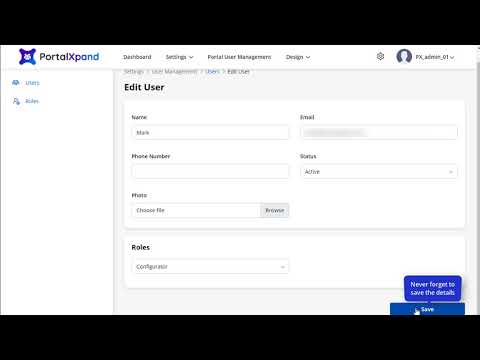
How to Create a Sub-Admin User
Our CRMJetty Portal Dynamics 365 portal allows you to manage multiple admins based on their roles. For instance, you can create sub-admin users assigning them managerial access. Watch this…
 Workflows
How to Create a Workflow That Updates Rights Based on an Action
With CRMJetty Portal, you can choose who you want to give rights to access the data and who you want to restrct from viewing the data. Watch to know the details.
 Workflows
How to Create a Workflow That Loads Specific Data in a Portal List
Creating workflow can be a tricky process but not with CRMJetty Portal. You can create a workflow to load specific type of data in portal listing and streamline your business. Watch to know how.
 Portal users
How to Create and Manage a Portal User (Salesforce)
Our Salesforce customer portal helps you streamline user management by allowing you to create contacts and manage them. You can add different roles, define access rules, and provide users with…
 Portal users
How to Enable the Verification Flow for Portal Users
Enabling two-factor verification is necessary in the world where data hacking is increasing every day. This will secure your portal from such activities. Watch the video to know how you can…
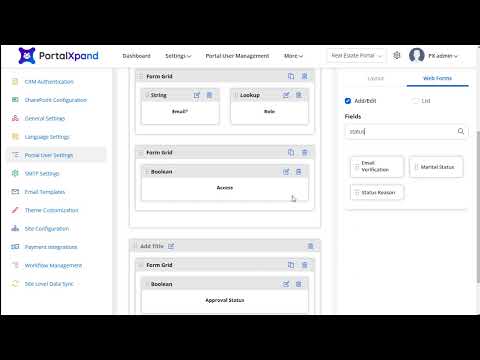 Portal users
How to Set the Create Portal User Form for Admins
Creating user form is an important task as you cannot miss out on any details. With CRMJetty Portal, you can create customized user form for admin and include all the user form details you…
 Portal users
How to Generate Credentials for a Contact in Detail View
Along with mass generated credentials, CRMJetty Portal allows you to generate credentials for a particular contact too. You can generate one for a new contact or an existing one. Follow the…
 Portal users
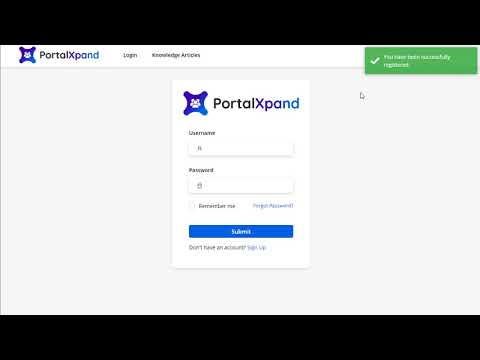
How to Manage Admin Approval Settings for New Users
It's essential to ensure that only the relevant users get the access to the portal. Hence, CRMJetty Portal provides a user approval feature. Whenever a new user registers, the admin will…
 Portal users
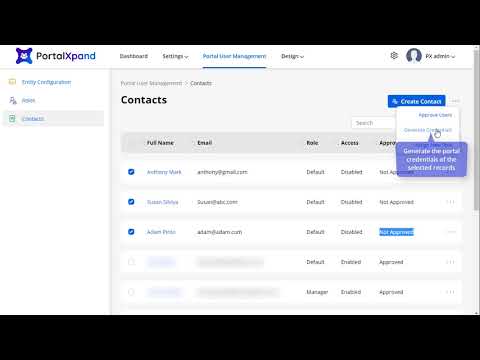
How to Mass-Generate Portal Credentials
While setting up the portal, you may have a bulk of existing users in your CRM. So, to help you streamline the process, CRMJetty Portal provides you with a mass generate portal credentials…
 Lists
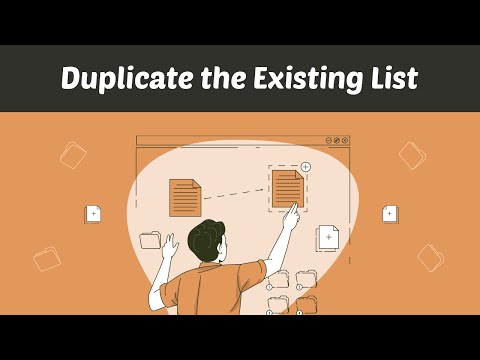
How to Duplicate an Existing List
You will get all the created ‘List' records on the Listing page. Among those, you can easily duplicate the existing list as per the requirement. Watch out for the video to know more.
 Lists
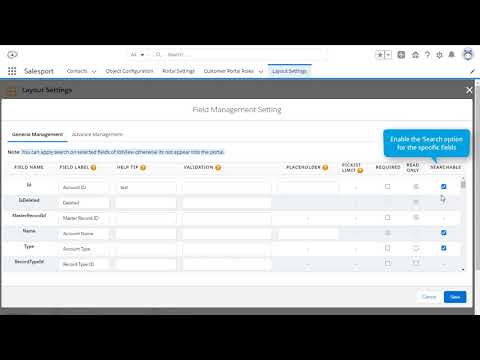
How to Enable Advanced Search for the Portal
Advanced search allows you to specify additional requirements for search. You can enable specific fields for search for example, search based on shipping city, shipping state, etc. This video…
 Lists
How to Use an Existing CRM View in a List
You can also get the ready-made ‘List view' layout that is configured from the CRM. By selecting the Use Existing option, you will get all the ready List layouts (CRM Entity views). Here is how…
 Lists
How to Create a New List Using the List Builder
You can design and configure the listing view for the different entities. You can create, edit, review, and publish lists that will be used in page builders. Watch to know how.
 Lists
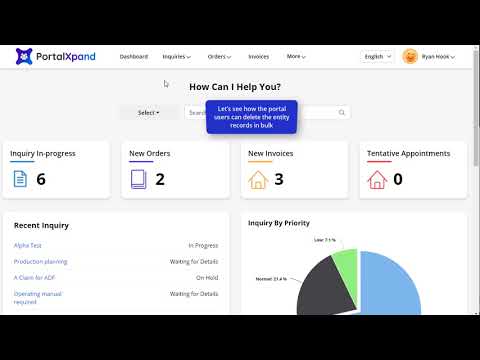
How to Delete Bulk Records from the Portal
Portal users can delete unnecessary records by selecting the bulk records and hitting the delete button. Watch this video to learn how to delete bulk records.
 Lists
How to Export Entity Records from the Portal
CRMJetty Portal lets portal users view and export the entity records in a CSV file. They can export the entire list or selected records as per their requirements. This video explains how to…
 Lists
How to Configure a List for the Portal
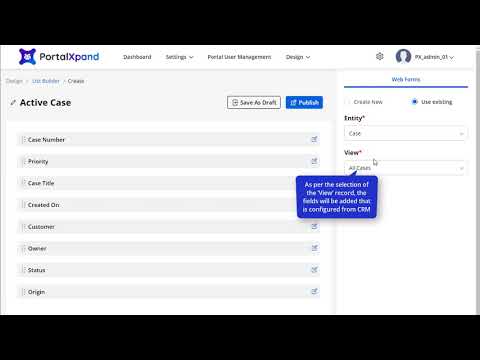
When it comes to listing the fields in a form or a page, every business has unique requirements. For some, details like customer name can be more important than the status of the case. In that…
 Login and security
How to Enable Single Sign-In with Microsoft Identity
You can allow the portal users or new portal users to log in or register through Microsoft ID. Just insert the Microsoft Client ID and Microsoft secret key by watching the video.
 Login and security
How to Enable Two-Step Authentication and reCAPTCHA on Portal Login
We know how important it is to secure the data. Hence, our Salesforce customer portal comes with features like two-factor authentication and recaptcha for double layer of protection. The…
 Login and security
How to Enable Single Sign-In with Facebook
You can allow the portal users or new portal users to log in or register through social media platforms like Facebook. Just insert the App ID and App secret key by watching the video.
 Login and security
How to Enable Single Sign-In with Gmail
You can allow the portal users or new portal users to log in or register through Google ID (Gmail). Just insert the client ID and secret key by watching the video.
 Login and security
How to Enable reCAPTCHA for the Portal
Security cannot be compromised in the world where hackers are growing rapidly, reCaptcha feature is a must for securing your portal from data. Here is how you can enable it in CRMJetty Portal
 Login and security
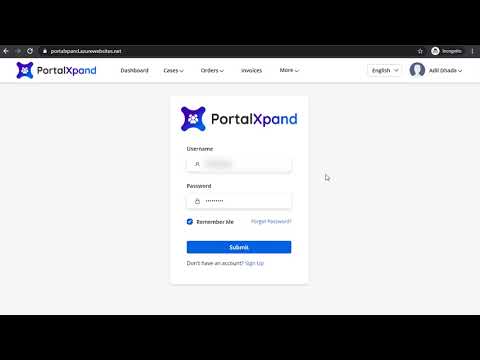
How to Manage OTP Settings for Portal Users
OTPs are important for accessing confidential data or transferring money. CRMJetty Portal not only allows you to generate OTPs, you can even configure the OTP settings like the message you want…
 Login and security
How to Enable Two-Factor Authentication in the Portal (Video)
While looking for portals, the first thing to notice is the level of security it offers. What kind of security features does it offer? Does the portal provide two-factor authentication and…
 Payments
How to Enable the Stripe Payment Gateway
Offer convinience to your customers by giving them different payment options including Stripe gateway. Watch how to enable this secure payment option.
 Payments
How to Enable the PayPal Payment Gateway
Enable secure and easy way of payment for your customers by enabling PayPal payment gateway. Watch to know how you can do it.
 Pages
How to Manage Column Blocks in the Page Builder
Want to make block level changes? Well, you can configure everything from a field to view style, icon, background color to font color and style. Check out this video and manage your blocks in…
 Pages
How to Set Up Public and Authenticated Page Access
If you want to show the page before login and after login on both sides, you need to select the Public checkbox. But, if you want to show the page after the portal users log in, you need to…
 Pages
How to Create a New Page
In this video, you will learn how to create new page for the portal. You can also create the new page with the help of pre-defined templates. Watch out this video.
 Pages
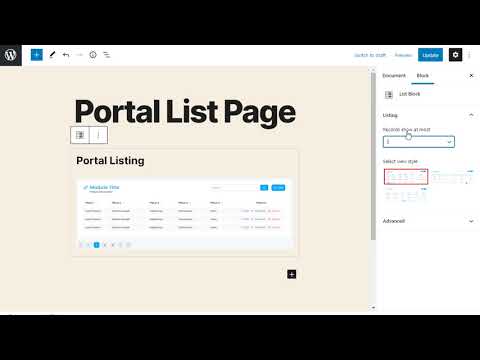
How to Create Portal List and Detail Pages Using Page Builder Blocks
Not everyone is a developer but everyone likes designing their own space in their own way. So, our Salesforce customer portal allows you to add portal pages just the way you want. You can…
 Pages
How to Use Templates in Pages
Templates are very easy to create and apply. It saves you a lot of energy and you don't need to be tech savvy in order to apply the templates. Here is how you can apply the created templates.
 Pages
How to Create Predefined Page Templates
With the help of pre-defined templates you don't have to create the website from scratch by coding. It will save your time and money as well to create the layout from scratch.
 CRM connection and sync
How to Set Up Objects for the Portal
Objects in Salesforce help you provide structure to store data. Salesforce provides standard objects like contacts, opportunities, leads, etc. You can enable/disable them or even add custom…
 CRM connection and sync
How to Sync Entity Updates in the Portal
Once you successfully authenticate the CRM, you can enable the CRM entities from the Entity Configuration.Watch the video to know how easily you can sync created entites and every update on it…
 CRM connection and sync
How to Sync an Entity Layout Updated in the CRM
Syncing CRM data to portal is the most challenging part but not with CRMJetty Portal. With the shown steps, you can sync entity/object layout in a hassle-free way from CRM to Portal.
 CRM connection and sync
How to Configure a Portal with the CRM's Sandbox or Live Instance
CRMJetty Portal lets you configure the CRM authentication options by connecting Live or Sandbox CRM. You can set the authentication type for different environments. Watch this video to learn…
 CRM connection and sync
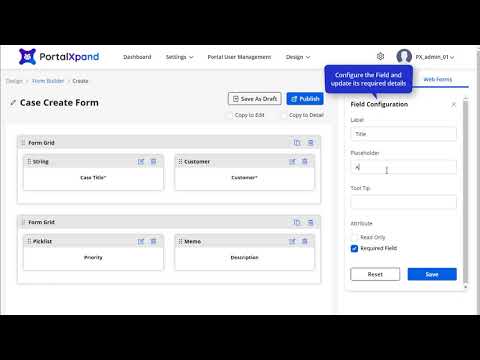
How to Configure Entity Layouts
With CRMJetty Portal, you can configure different forms by using the pre-existing entity layouts or creating a new one. For example, if you want to create a form for adding a new article, you…
 CRM connection and sync
How to Set Up Entities for the Portal
CRMJetty Portal makes it easy to manage the entities between your CRM and portal. To set up, log in to the portal with admin credentials. Move to Portal User Management and configure the…
 Languages
How to Translate a Form Into Multiple Languages
From the listing page of the ‘Form' builder layouts, all the available languages will appear in the ‘Language' column. Once you translate the form layout record from the listing page or the…
 Languages
How to Translate a List Into Multiple Languages
From the listing page of the ‘List' builder records, all the available languages will appear in the Language column. Once you translate the list layout record from the listing page or the Page…
 Languages
How to Manually Add Language Translations
Adding language translations can be tricky but not with CRMJetty Portal. You can choose from the variety of languages provided with the portal or customize it and add your favorable languages…
 Languages
How to Configure Google Translate for a Multilingual Portal
Google Translate is one of the most accurate language translators. It is reliable and can be easily configured in yur portal. Watch the video to know how.